Support Request

Quick Help When You Need It

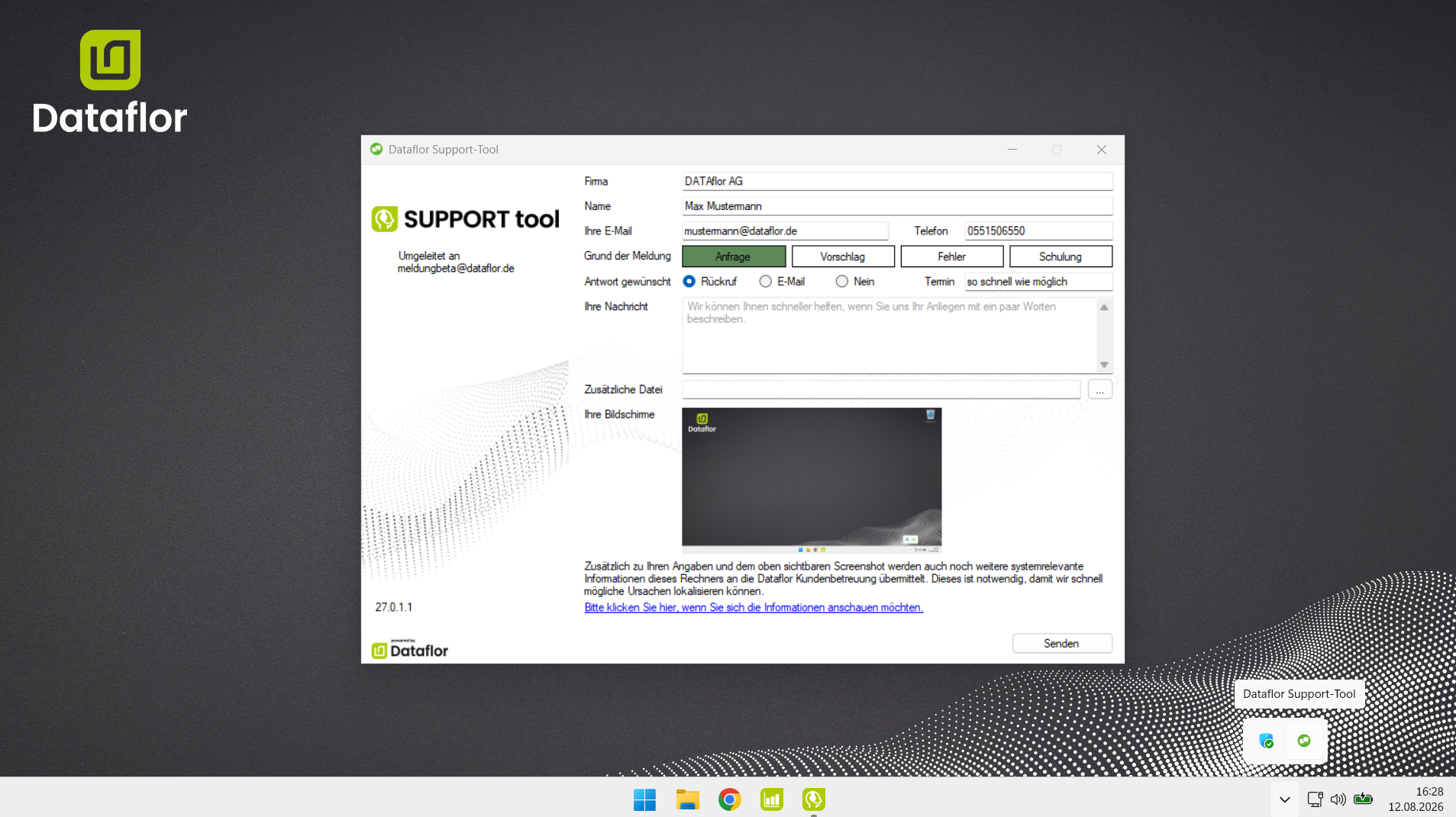
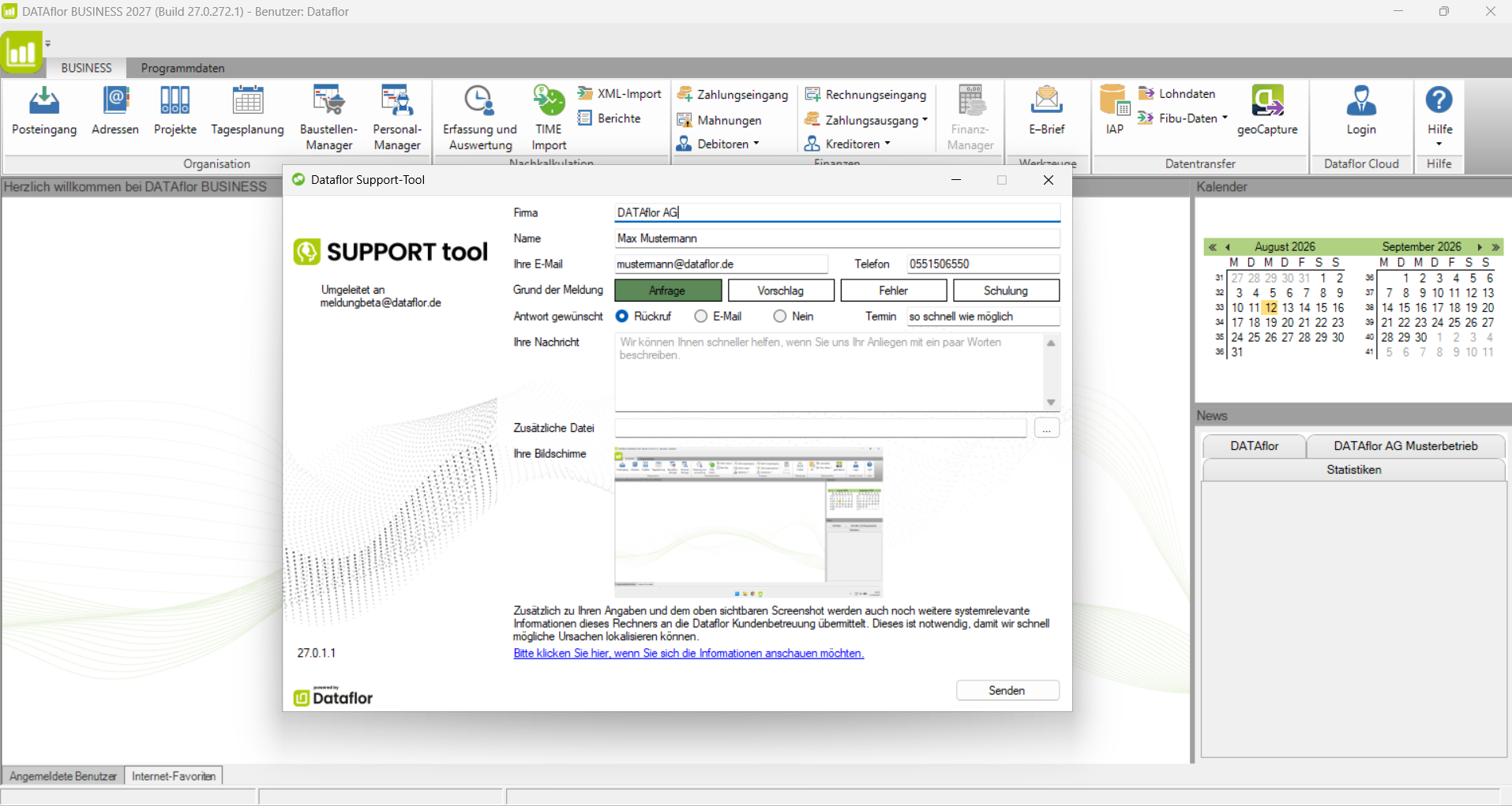
Use the support tool to contact our support team. Your request is submitted along with a screenshot and relevant system information so that we can better assess your issue right away and help you faster. You only need to enter your contact information once. After that, it will be automatically pre-filled every time you launch the support tool. The support tool opens automatically for certain issues, but you can also launch it manually at any time.

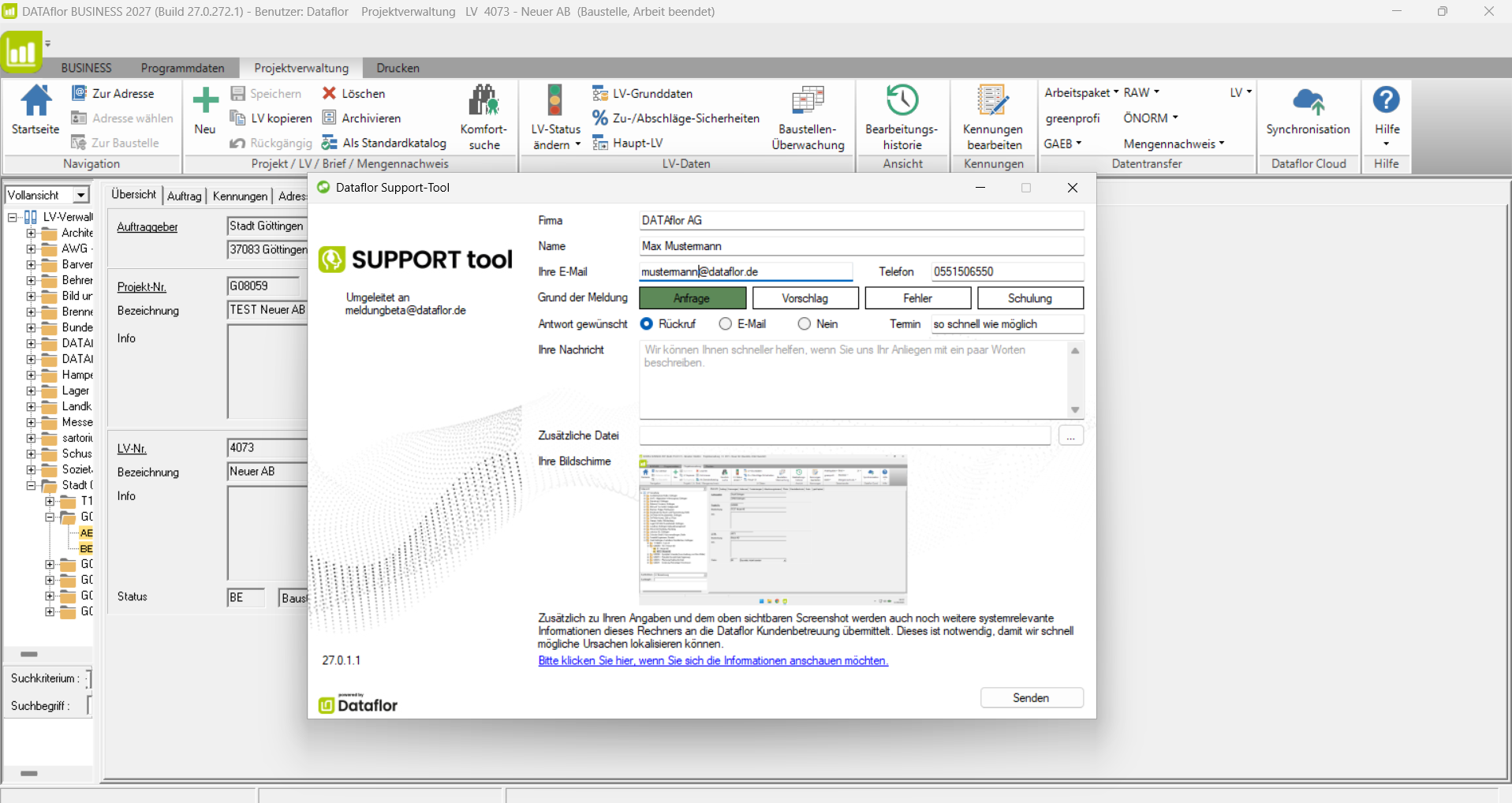
Four Ways to Submit a Support Request

1. automatically, when a problem is detected

Dataflor Wiki

2. via the icon in the Windows taskbar

Dataflor Wiki

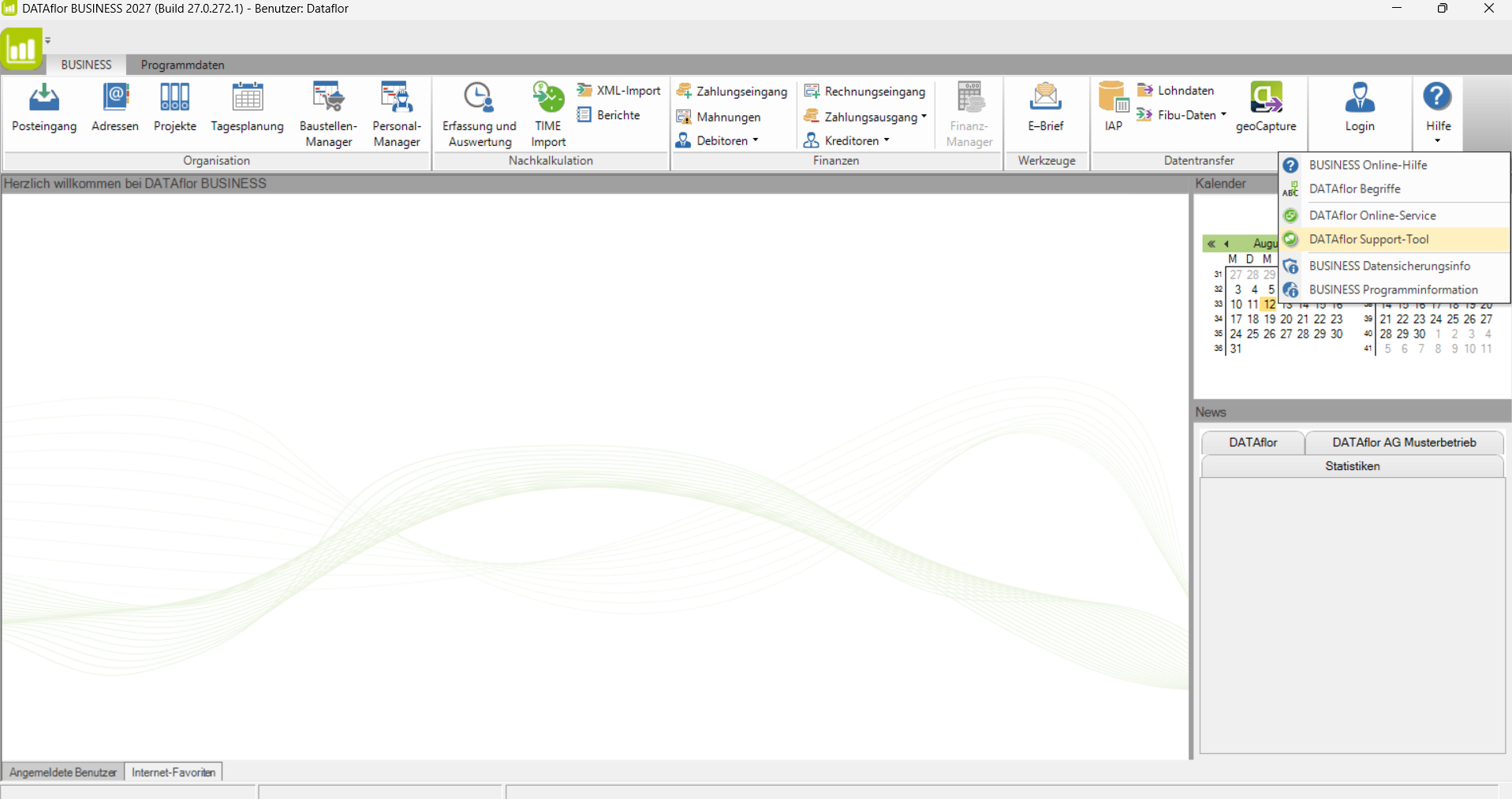
3. via the Help menu 

Dataflor Wiki

4. Keyboard shortcut ALT + F11

Dataflor Wiki

Support tool not installed?

If the support tool is not installed on your system, you can download it here.

Download the support tool

Online Service

Quick help right on your screen

With our online service, our support team can assist you quickly and conveniently—right on your own screen.

Please submit a support request in advance using the Dataflor Support Tool. This ensures that our support team already has the most important information regarding your issue.

How the Online Service Works

1. You are already on the phone with our support team.


2. Download the pcvisit remote maintenance software and run the file.

 Download

3. Enter the remote maintenance ID in the dialog box that opens.

Securely connected. Personalized support.

During the online session, our support team will guide you step by step. This allows us to answer your questions right away and implement solutions quickly.

Dataflor Wiki

Quick online help with the knowledge base.

Dataflor Wiki

Training Videos

Free training videos about our products.

Watch the videos


System Requirements

What hardware and software requirements must your system meet?

See the system requirements

Downloads

Everything You Need to Know About Your Dataflor Software

Here you’ll find the latest downloads related to your Dataflor software: plant and material catalogs, LANDSKETCH libraries, licensing tools, support tools, and information on system requirements.


BRUNS, Lorenz von Ehren, Fehrle Perennials and More
Current Libraries from Our Industry Partners
License Manager and License Server
Version Manager and Support Tool